

License tiers
Glory Desk is sold as annual licenses in RWF. Choose the tier that matches product count, locations, and whether you need Checkout (POS), full reports, or cloud sync.
See live prices on Pricing.
Not sure yet? Take the free 5-day trial first — it unlocks the full Pro feature set so you can test with real stock and sales before choosing.
Before you start
- Rough count of products you will register
- How many store / warehouse locations you need
- Whether cashiers need Checkout / Cashier
- Whether you need cloud sync or multi-company tools
Quick comparison
| Basic | Medium | Pro | Enterprise | |
|---|---|---|---|---|
| Indicative price | 150,000 RWF/yr | 350,000 RWF/yr | 650,000 RWF/yr | Contact sales |
| Products | Up to 50 | Up to 500 | Unlimited | Unlimited |
| Locations | 1 | Up to 3 | Unlimited | Unlimited |
| Core inventory & customers | Yes | Yes | Yes | Yes |
| Checkout / Cashier (POS) | No | Yes | Yes | Yes |
| Suppliers, PO, RFQ | Limited / locked | Yes | Yes | Yes |
| Returns & refunds | — | Yes | Yes | Yes |
| Multi-location / expiry | — | Yes | Yes | Yes |
| Full reports & insights | — | Partial | Yes | Yes |
| Forecast / reorder / bundles / audit | — | — | Yes | Yes |
| Cloud sync & Enterprise Hub | — | — | — | Yes |
| Priority support path | Priority / sales |
Exact locks can also depend on role permissions and Settings → Modules. When in doubt, the app hides or blocks what your tier does not include.
Tier details
Basic — start digitising stock
Best for: a single small shop tracking products and customers.
Includes:
- Products & stock (within the 50-product limit)
- Customers
- One location
- License & basic settings
Does not include Checkout / Cashier. Upgrade to Medium when you need the till.
Request: Activate — Basic
Medium — sell and buy every day
Best for: shops with a counter and supplier orders.
Adds on top of Basic-style operations:
- Checkout / Cashier (POS)
- Suppliers, purchase orders, ask-for-price (RFQ)
- Returns & refunds
- Up to 3 locations
- Expiry / batch tools when the module is enabled
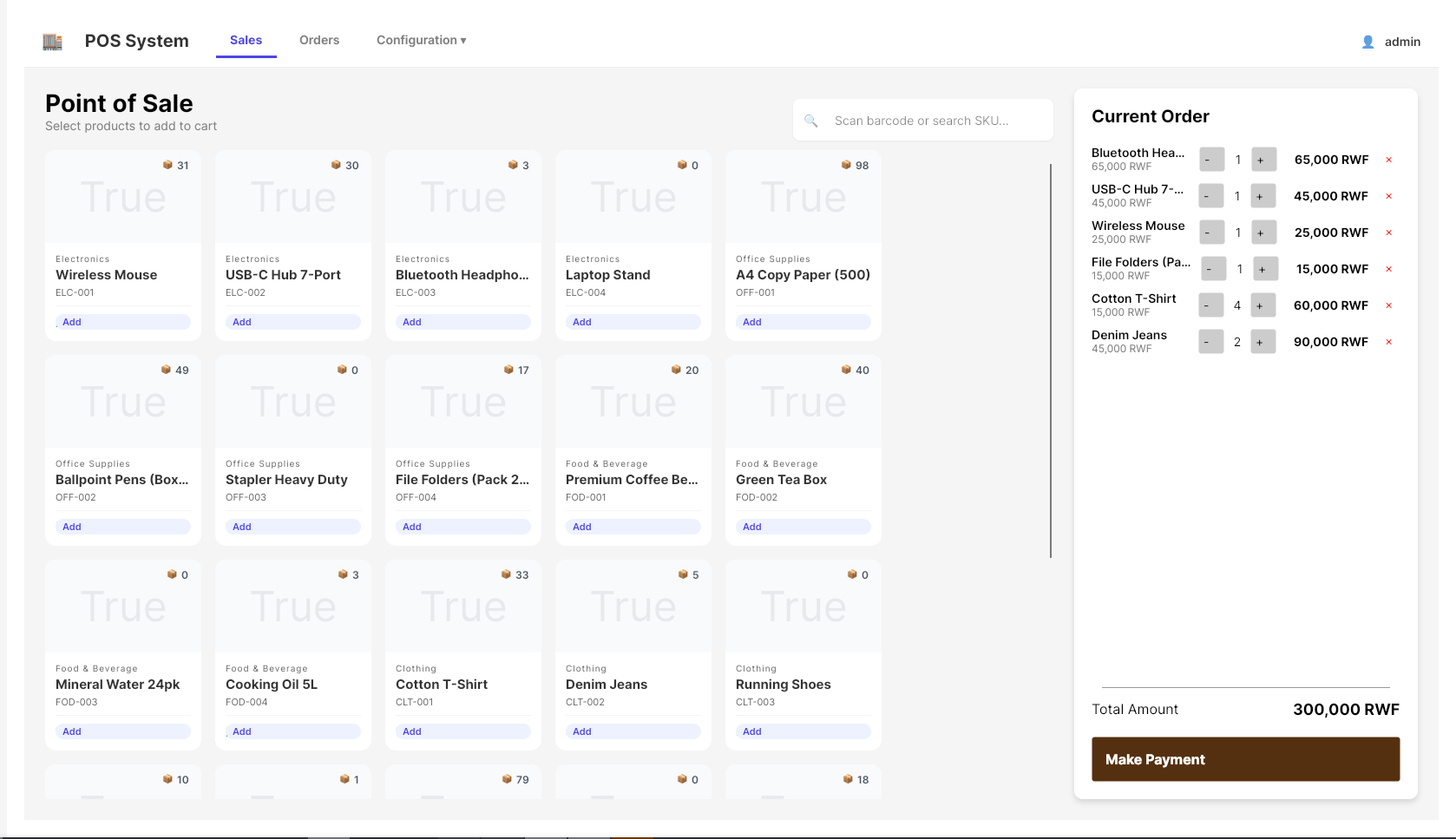
Request: Activate — Medium
Pro — scale and report
Best for: growing businesses that need deeper control.
Adds:
- Unlimited products and locations
- Full Reports & Insights
- Reorder / demand forecast tools
- Product bundles, activity log (audit trail)
- Stronger export / financial views
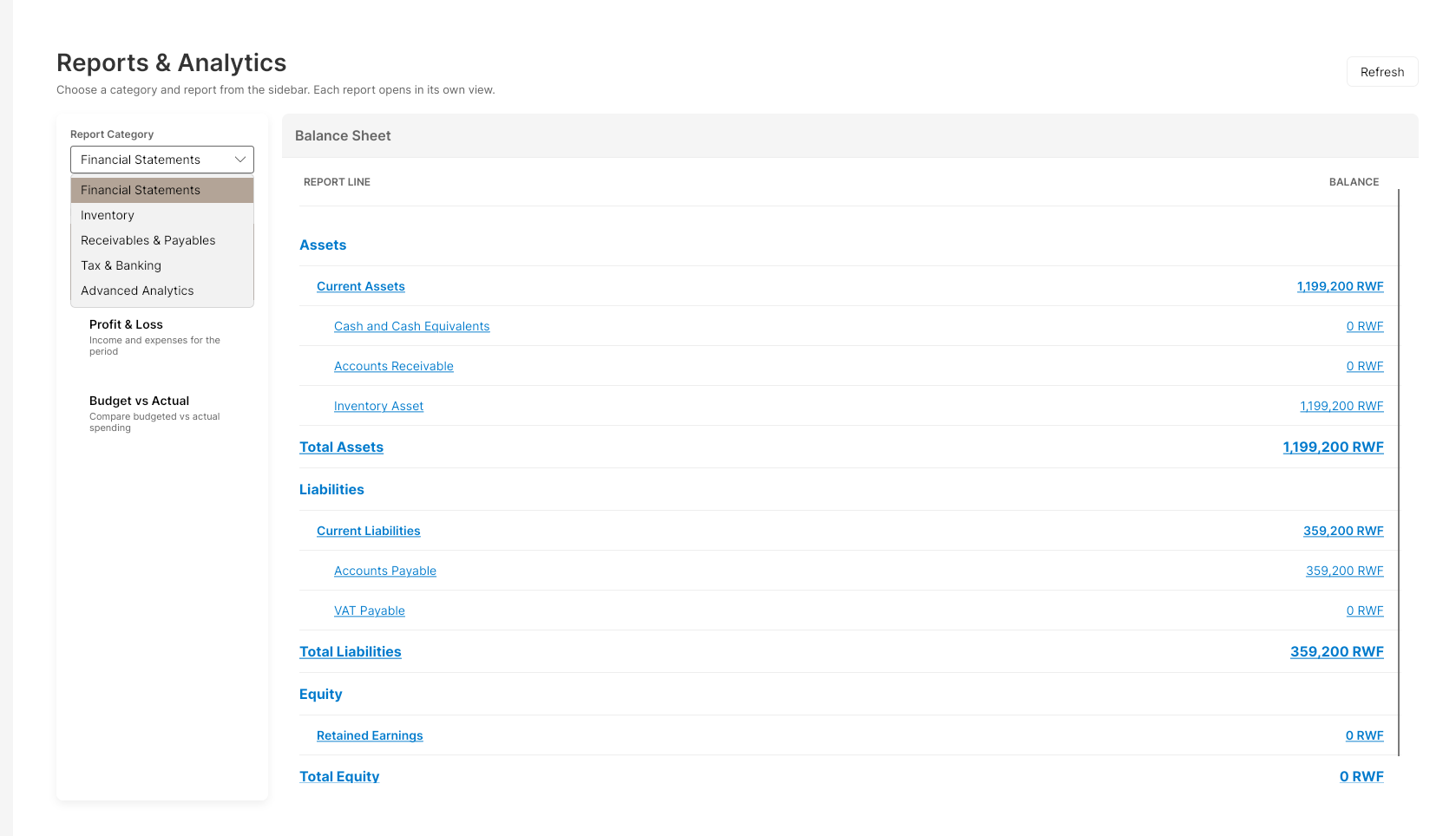
Request: Activate — Pro
Enterprise — sync and hub
Best for: organisations that need cloud coordination and the Enterprise Hub.
Adds everything in Pro, plus:
- Cloud Sync, backup & restore
- Enterprise hub (companies, approvals, CRM-related tools, and more)
- Sales-assisted onboarding / priority support path
Request: Activate — Enterprise or email support@mtglory.com.
Steps to choose and buy
1. Compare on the website
- Open glorydesk.mtglory.com/pricing.
- Read the four cards (Basic, Medium, Pro, Enterprise).
- Click Request license (or Contact sales for Enterprise).
2. Request with your Hardware ID
- Complete Activate your license using the same tier you chose.
- Wait for MT GLORY to issue the key.
- Activate in the desktop app with Activate License.
3. Confirm inside the app
- Open License in the sidebar (or the license screen).
- Check Tier: shows Basic / Medium / Pro / Enterprise.
- Check Expires: shows a real date (not locked).
Upgrades
- Decide the new tier on Pricing.
- Submit a new request with the same Hardware ID and the new tier (or email support).
- Activate the new key when issued.
- Restart or re-open modules if menus do not refresh immediately.
If something goes wrong
| Problem | What to do |
|---|---|
| Menu item missing (e.g. Checkout) | Confirm tier on License; confirm user role; check Settings → Modules |
| “Upgrade” / redirected to License | Feature needs a higher tier — see table above |
| Wrong tier activated | Contact support before heavy data entry if possible |
| Price differs from this page | Trust Pricing; email support if unclear |